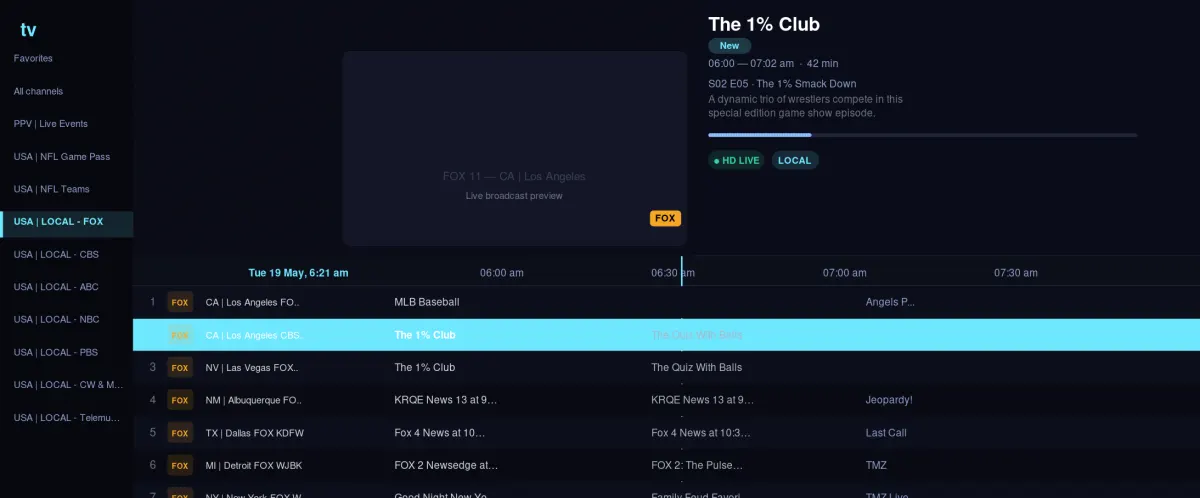
Your screen. Your way.
Live TV & sports streaming app
for every screen.
Watch live channels, sports, movies and series on Fire TV, Android TV, mobile or directly in your browser. Start with a free 24-hour trial and set up in minutes.
24 hours free access
No card required
Browser + TV ready
One streaming app
Live TV, sports and movies
without a complicated setup.
Get your viewing details by email after activation. Use them in the web player for instant access, or take the same experience to Android and TV.
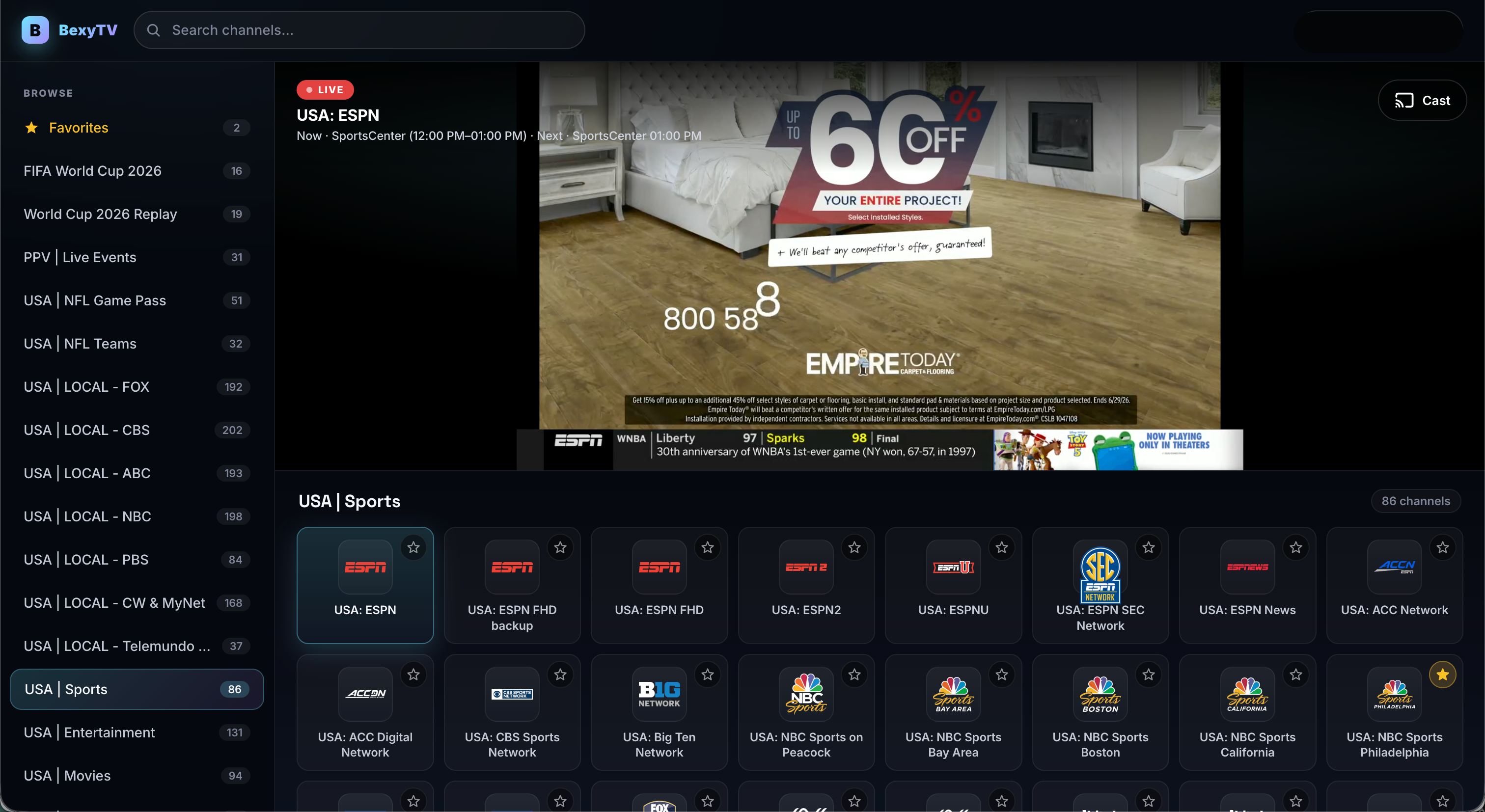
Find the right way to watch
A flexible alternative to juggling streaming apps.
TereaTV Play gives you one starting point for live viewing while keeping setup simple. Choose the browser player for instant access or install the Android app on a compatible device.
Live channels and events
Browse live programming and sports from one clean guide instead of switching between several apps.
Built for the big screen
Install on Fire TV, Android TV and Google TV, with a straightforward sign-in using your emailed viewing details.
Watch without a download
Use the browser player when you want to start quickly on a laptop, phone or another supported browser.
Test before you decide
Use the free 24-hour trial to check device compatibility, picture stability and the content that matters to you.
Compare by need
Is TereaTV Play the right streaming app for you?
Netflix, Disney+, Hulu, YouTube TV and other well-known services each solve a different viewing need. TereaTV Play is aimed at viewers who want a flexible live-TV-focused experience across TV devices and the web.
Compare popular streaming app alternatives →| What matters | TereaTV Play | Typical on-demand app |
|---|---|---|
| Live TV focus | Yes | Varies |
| Browser option | Yes | Usually |
| Fire TV / Android TV | Yes | Usually |
| Free trial | 24 hours | Varies by service |

Live moments
Game night lives here.
Explore sports, local channels and the events you care about during your free trial.
Try it for 24 hoursThree simple steps
From curious to watching.
Start your trial
Create your account through the secure BexyTV checkout. No credit card is required for the trial.
Check your email
Your viewing username, password and setup details arrive after activation.
Choose your screen
Sign in through the browser player or install the app on Android, Google TV or Fire TV.
Every screen
Big screen.
Small screen.
Your screen.
Use the browser when you want instant access, or take the app to Android phones, tablets and compatible TV devices.
See installation guideTereaTVpowered by BexyTV
Android TV
Fire TV
Browser
Mobile
Streaming app guides
Choose, install and troubleshoot with confidence.
Practical, plain-English guides for people comparing live TV apps, installing on Fire TV or fixing buffering.
BUYER'S GUIDE
How to choose the best live TV app for Fire TV and Android TV
Seven checks to make before starting a trial.
Read guide →APP ALTERNATIVES
TiviMate alternatives: which type of player fits you?
Compare setup, device support and browser access.
Compare options →TROUBLESHOOTING
How to fix buffering on Fire TV and Android TV
A step-by-step test to find the real cause.
Fix buffering →Quick answers
Live TV app questions
What devices can I use?
You can use the browser player or install the Android app on compatible Android phones, tablets, Fire TV, Android TV and Google TV devices.
Can I test the app before subscribing?
Yes. The 24-hour free trial is designed for checking your device, internet connection and preferred content before making a decision.
Is this a replacement for Netflix or YouTube TV?
It depends on what you watch. On-demand services and live-TV services have different strengths. Our comparison guides help you choose based on sports, live channels, movies, device support and budget.
How do I receive my login?
After the trial is activated, the viewing username, password and setup details are sent by email. These credentials are separate from your email or banking password.
Ready when you are
Your first 24 hours
start here.
Create your free trial, receive your viewing details by email, and choose how you want to watch.